Free Online Image Compression Tool
Compress your images quickly and easily without losing quality. Reduce file size by up to 70%.
Drag and drop your files here
or
Supports JPG, PNG, WebP, and other image formats. You can also upload ZIP or TAR archives containing images.
Compression Settings
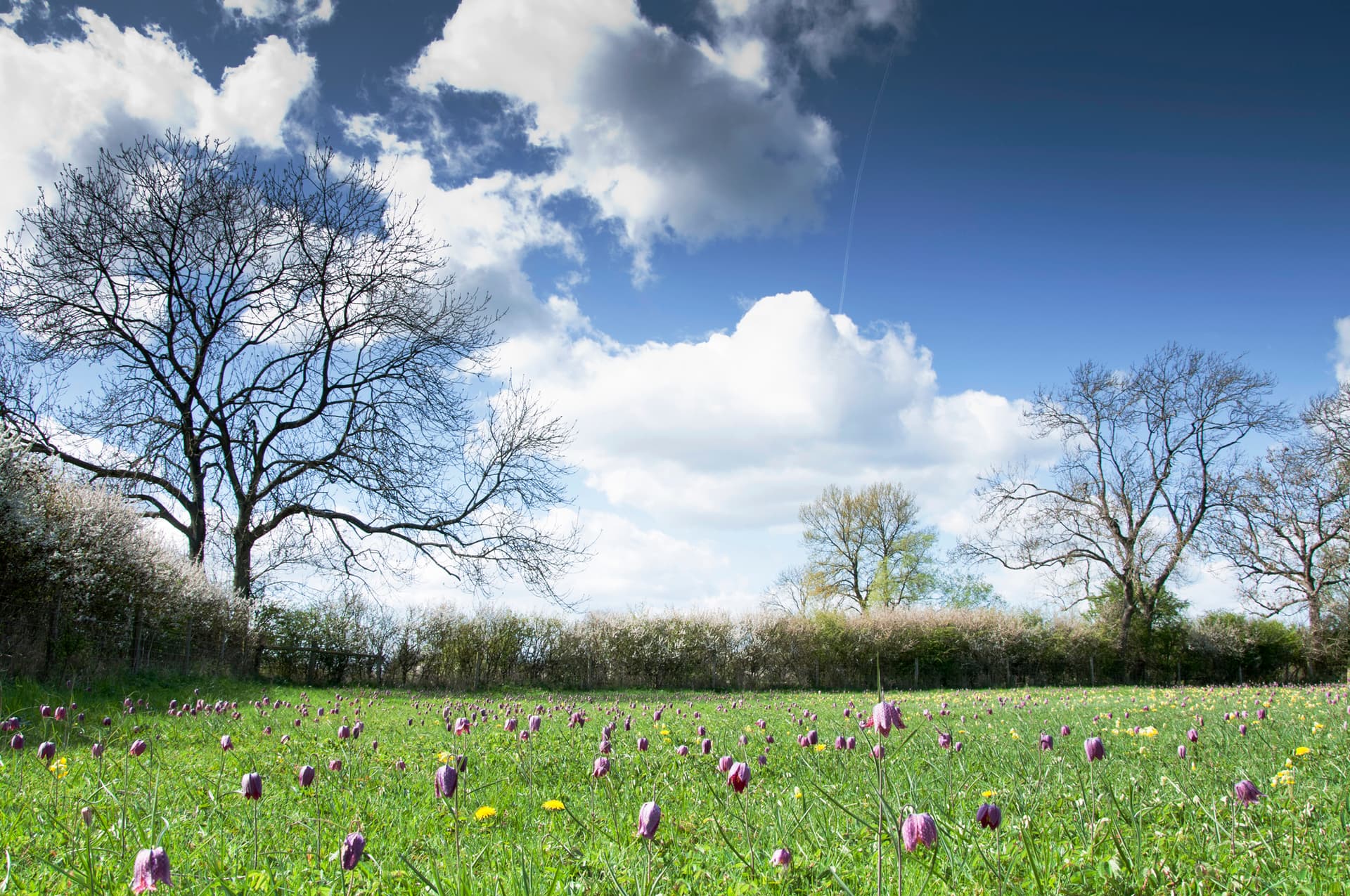
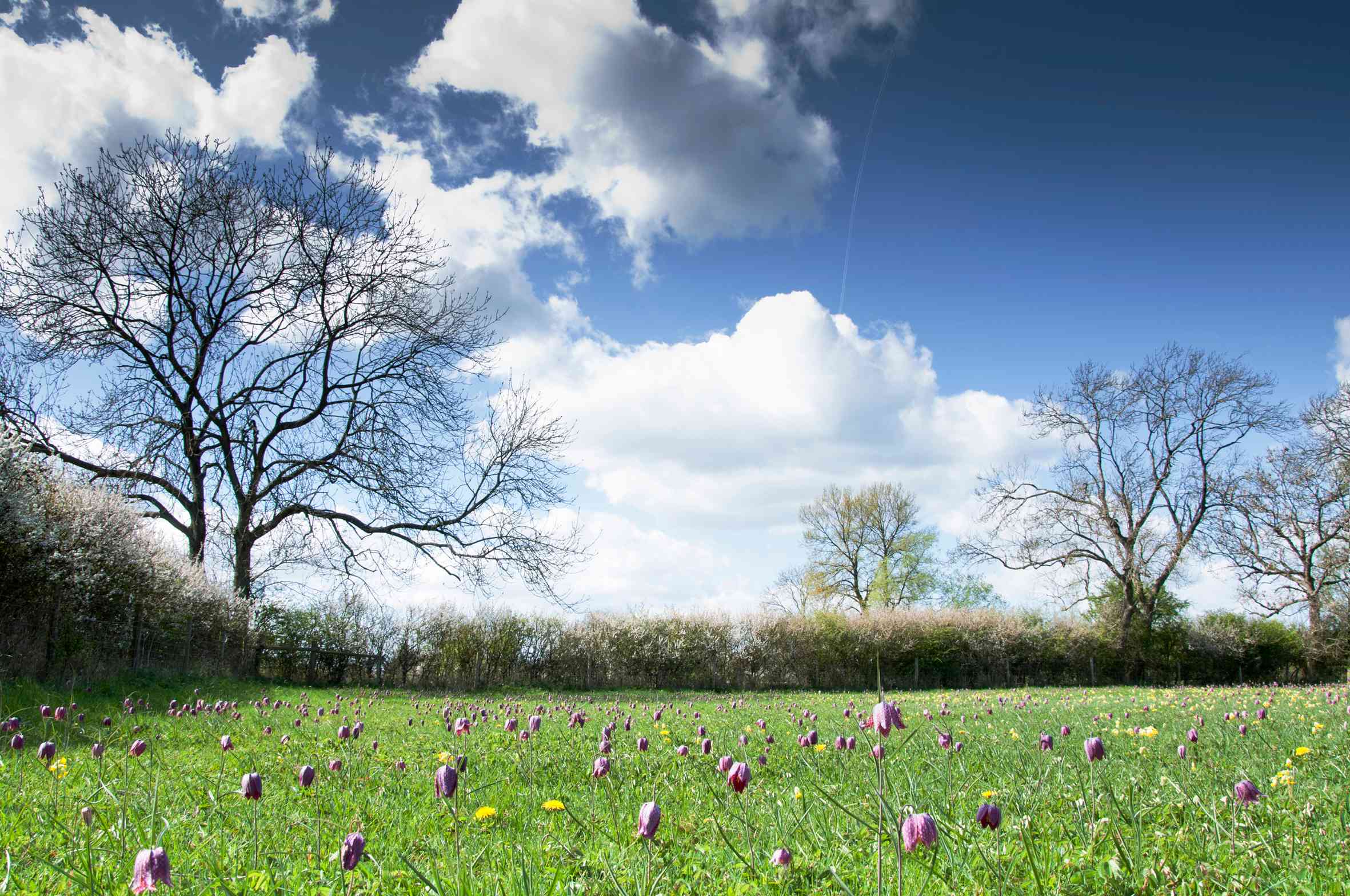
See the Difference
Our compression technology reduces file size while maintaining visual quality
How to Compress Images
Click the upload button or drag and drop your image
Adjust the compression level slider (right for smaller file/lower quality, left for larger file/higher quality)
Wait for the compression to complete
Download your compressed image
You can adjust the compression level and recompress your image to find the perfect balance
Why Compress Images?
Faster Website Loading
Large images slow down your website, leading to higher bounce rates and lower conversions. Compressed images load faster, improving user experience.
Save Storage Space
Reduce the amount of storage space needed for your images, allowing you to store more files or reduce cloud storage costs.
Faster Email Sharing
Send images via email more quickly with smaller file sizes, avoiding attachment size limits.
Better SEO
Page speed is a ranking factor for search engines. Faster-loading pages with optimized images rank higher in search results.
Supported Image Formats
Our image compression tool supports the following formats:
JPEG / JPG
PNG
WebP
Privacy and Security
Your privacy is important to us. All image compression is done directly in your browser, and your images are never uploaded to our servers. We don't store any of your files.
Frequently Asked Questions
Will compression affect image quality?
Our tool uses compression which reduces file size by selectively discarding some image data. Higher compression levels will result in smaller files but may introduce visible artifacts. At lower compression levels (higher quality settings), the differences are usually imperceptible for most uses. You can adjust the compression level to find the right balance between file size and quality for your specific needs.
Is there a file size limit?
Since all processing happens in your browser, the file size limit depends on your device's memory. Most modern devices can handle images up to 20MB or more without issues.
Will I lose my original image?
No, your original image remains untouched. Our tool creates a new compressed version of your image, leaving the original intact. You can download the compressed version while keeping your original file.
Image Compression Tips
Optimizing images is crucial for website performance. Here are some tips to get the most out of our image compression tool:
1Choose the right compression level
Higher compression reduces file size but may affect quality. For photographs, a compression level of 60-80% usually provides a good balance.
2Resize before compressing
If your image is larger than needed, resize it first before compression for better results.
3Use WebP when possible
If your target platforms support WebP, it generally provides better compression than JPEG or PNG.
4Check the results
Always review your compressed images to ensure they meet your quality standards.
Related Tools
Explore our other image optimization tools to enhance your workflow